How to Identify PlayStation 2 Hardware Versions
If you spend any time refurbishing PlayStation 2 consoles, knowing how to identify the hardware version is essential. The PS2 went through numerous internal revisions over its lifespan, and many replacement parts—lasers, power supplies, fans, and even screws—are not interchangeable between versions.
In most cases, you can determine the version using the model and serial number on the back of the console, without opening it. However, some later models require opening the system to identify the mainboard.
Understanding PS2 Model Numbers & Country Codes
All PlayStation 2 model numbers begin with SCPH-, followed by five digits.
The last digit identifies the console’s regional market.
|
Country Code |
Region |
|---|---|
|
1 |
North America |
|
2 |
Australia / New Zealand |
|
3 |
Europe |
|
4 |
United Kingdom |
Example:
A console labeled SCPH-39001 is a North American unit—the trailing “1” indicates the region.
💡 Why this matters: Some parts (especially power supplies) vary by region due to voltage differences.
Early Hardware Revisions (Versions 1–3)
These early models can usually be identified using the serial number prefix and date code.
|
Model |
Serial Prefix |
Date Code |
Version |
|---|---|---|---|
|
SCPH-3000# |
U1 |
— |
Version 1 |
|
SCPH-3000# |
U0 |
— |
Version 2 |
|
SCPH-3000# |
U1 |
1A |
Version 3 |
|
SCPH-3000# |
U2 |
1A |
Version 3 |
|
SCPH-3000# |
U2 |
0D |
Version 3 |
Additional identifiers:
-
Versions 1–3 use 10 case screws
-
Early optical drives and power supplies are not compatible with later revisions
Version 4
|
Model |
Serial Prefix |
Date Code |
Version |
|---|---|---|---|
|
SCPH-3000# |
U0 |
1C |
Version 4 |
|
SCPH-3000# |
U1 |
1C |
Version 4 |
|
SCPH-3000# |
U2 |
1C |
Version 4 |
|
SCPH-3000# |
U3 |
1C |
Version 4 |
|
SCPH-3000# |
U4 |
— |
Version 4 |
|
SCPH-3000# |
U5 |
1C |
Version 4 |
Notable changes:
-
Reduced to 8 case screws
-
Electrical safety warning stamped into the lower rear case (not present on earlier versions)
-
Internal layout changes that affect laser and PSU compatibility
Version 5
|
Model |
Serial Prefix |
Date Code |
Version |
|---|---|---|---|
|
SCPH-3000# |
U1 |
1D |
Version 5 |
|
SCPH-3000# |
U3 |
1D |
Version 5 |
Version 6 / 5.1
Sony documentation for this revision is inconsistent. These systems are often referred to as Version 5.1 or Version 6, depending on the source, and typically require opening the console for confirmation.
Later Models (Versions 7–11)
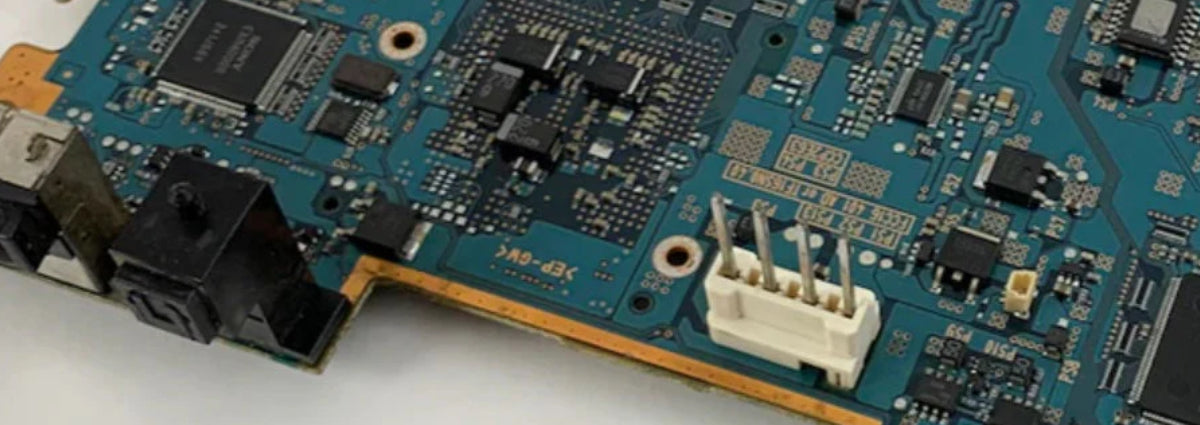
For SCPH-3900# and SCPH-5000# models, there is no reliable way to identify the version externally. You must open the console and check the mainboard model number.
|
Console Model |
Mainboard |
Version |
|---|---|---|
|
SCPH-3900# |
GH-017 |
Version 7 |
|
SCPH-3900# |
GH-022 |
Version 8 |
|
SCPH-5000# |
GH-023 |
Version 9 |
|
SCPH-5000# |
GH-026 |
Version 10 |
|
SCPH-5000# |
GH-027 |
Version 11 |
|
SCPH-5000# |
GH-029 |
Version 11 |
Why Version Identification Matters
Knowing your PS2 version helps you:
-
Buy the correct laser assembly
-
Match the proper power supply
-
Avoid incompatible fans, ribbon cables, and mounting hardware
-
Reduce the risk of damaging a working console with mismatched parts
If you’re restoring or repairing PS2 consoles regularly, version identification should always be your first step before ordering parts.